




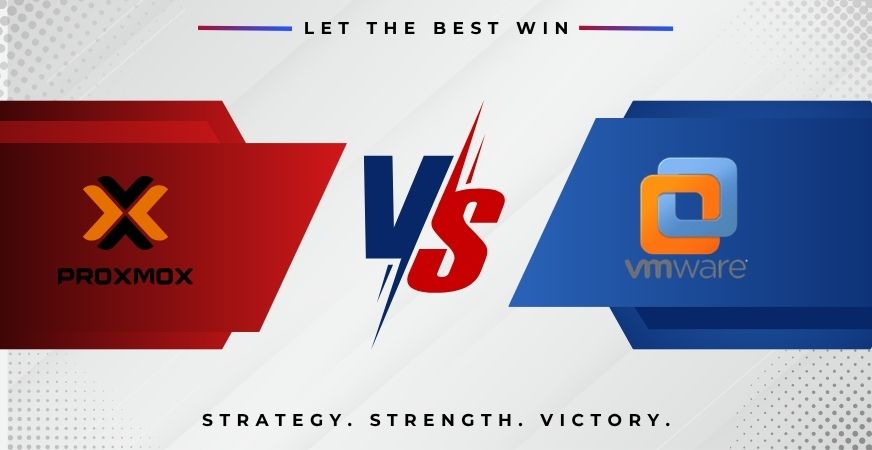
After Broadcom bought VMware and overhauled licensing in 2024, many SMBs are rethinking their virtualisation strategy. Proxmox VE is no longer "the budget alternative" — it's a serious production hypervisor used by thousands of enterprises.
Quick comparison
| Criterion | Proxmox VE | VMware vSphere |
|---|---|---|
| Cost for small 3-node cluster | ~€1,200/yr | ~€6,000–12,000/yr |
| License model | Open source + paid support | Subscription required |
| Hypervisor | KVM + LXC | ESXi |
| Web UI | Built-in | vCenter (separate) |
| Backup | Proxmox Backup Server (free) | Veeam / others (paid) |
| HA / cluster | Built-in | Requires vCenter Standard+ |
| Vendor lock-in | Minimal | High |
What changed at VMware/Broadcom
- Perpetual licenses removed — subscription only.
- Minimum 16 cores per socket.
- Free ESXi discontinued end of 2024.
- Minimum 72 cores for production tier.
- Price increases of 2–5×.
When Proxmox is right
- SMB (up to ~50 VMs).
- Infrastructure budget under €10,000/yr.
- In-house Linux skills or an external partner.
- Want flexibility and no vendor lock-in.
- Need native containers (LXC).
When VMware still makes sense
- Large enterprise with VMware-certified staff.
- Enterprise software certified only on VMware.
- Compliance requirements that name VMware.
- Heavy investment in VMware-specific tooling.
Real Proxmox advantages
Easy install
Download ISO, boot, answer 5 questions, web UI in 15 minutes.
Built-in containers
LXC much lighter than VMs for simple workloads.
Free backup
Proxmox Backup Server is open-source with deduplication, incremental backups, encryption.
ZFS native
Snapshots, replication, dedup, compression, self-healing.
Migration notes
- VMDK → QCOW2/RAW via
qm importdisk. - Uninstall VMware Tools, install QEMU Guest Agent.
- Windows VMs benefit from virtio drivers.
- Rework backup and DR processes first.
Recommended SMB stack
- 2 or 3 identical hosts.
- 32–64 GB RAM per host.
- 2× 1.92 TB NVMe in ZFS mirror.
- 10 GbE between hosts.
- Separate Proxmox Backup Server.
- HA cluster with corosync.
Conclusion
For SMBs in 2026, Proxmox VE is almost always the smarter choice. You save 60–80% on licensing, get more flexibility and avoid vendor lock-in.
Considering migration? Proxmox virtualization covers design, VMware migration and hardening. Get a free assessment.